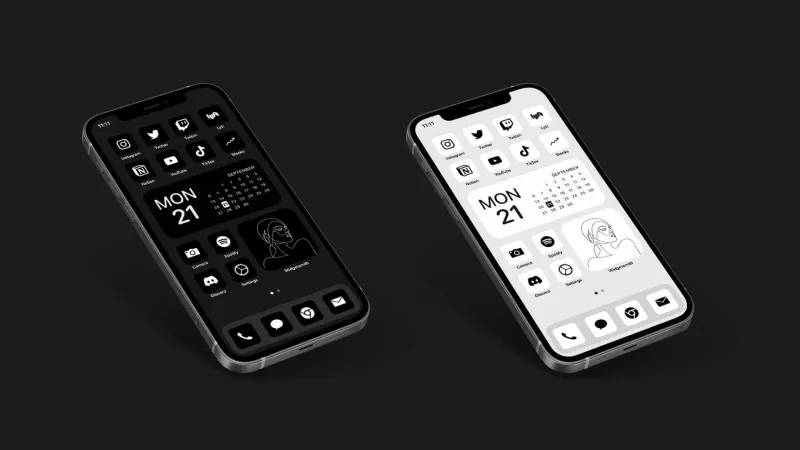
Your App Drawer Is Lying to You: The Hidden Cost of Collecting Productivity Tools
Photo: minimalist desk single notebook pen smartphone flat lay, via c8.alamy.com
There's a specific kind of Sunday evening ritual that a lot of us know well. You've had a scattered week. Deadlines slipped, your to-do list multiplied, and your notes app is a graveyard of half-finished thoughts. So you open the App Store, type something like "focus productivity planner," and start browsing. By 10 p.m., you've downloaded three new apps, watched two YouTube tutorials, and set up a color-coded system that feels, for about forty-eight hours, like it might actually change everything.
It won't. And somewhere, you already know that.
The productivity app industry in the US is worth billions of dollars, and it's built on a quietly destructive premise: that the right tool is still out there, and you just haven't found it yet. But the accumulation of tools — Notion, Todoist, Things, Obsidian, Sunsama, Motion, Reclaim, Bear, Roam — doesn't compound into focus. It compounds into friction.
The Attention Tax Nobody Talks About
Every app you add to your workflow asks something of you, even when you're not using it. There's the mental overhead of remembering where things live. There's the low-grade anxiety of knowing your meeting notes are in one place, your project tasks in another, and your "someday" ideas scattered across three different platforms. Psychologists call this cognitive load, and it's cumulative.
When you split your attention across too many systems, your brain spends real energy just navigating the architecture of your own organization. That's energy that doesn't go toward the actual work.
Zen philosophy has a name for the state you're chasing when you download app number seven: mushin, or "no mind" — a condition of effortless clarity where action flows without interference. The irony is that every new tool you install in pursuit of that clarity adds another layer of interference.
What Happens When People Actually Simplify
Marco, a freelance UX consultant based in Austin, spent two years building what he describes as "a productivity stack that would have impressed a Silicon Valley ops team." He had separate apps for tasks, notes, time tracking, habit formation, journaling, and project management. He even had an app to manage the integrations between his other apps.
"I was spending probably forty-five minutes a day just maintaining the system," he says. "And I kept telling myself that was an investment. That once it was set up right, it would pay off."
It didn't. After a particularly overwhelming quarter, Marco made a drastic call. He deleted everything except a single plain-text notes app and a basic calendar. No tags, no databases, no automation. Just words and dates.
"The first week felt like withdrawal," he admits. "I kept reaching for tools that weren't there. But by week three, something shifted. I was actually finishing things instead of organizing things."
This pattern shows up again and again among people who've gone through what some call a "tool fast." The initial discomfort is real. But on the other side of it is something that no app can deliver: the quiet confidence of a simple system you actually trust.
How to Tell the Difference Between a Tool and a Habit
Not every app is a trap. The question isn't whether to use digital tools — it's whether a given tool is serving your actual workflow or just satisfying the urge to feel organized.
Here's a useful test: open the app right now. Without setting anything up or reorganizing anything, can you immediately do the next piece of work you need to do? If the answer involves clicking through menus, choosing a template, or figuring out which view you left things in last time, the app might be working against you.
A tool that genuinely fits your workflow should feel almost invisible. You reach for it, you use it, you put it down. There's no performance involved.
Conversely, a productivity app addiction tends to feel like a hobby. You find yourself optimizing the system rather than using it. You watch tutorials about features you don't need yet. You migrate everything to a new platform because you read that someone else's setup was cleaner.
The One-Tool Audit
If you want to run a real experiment, try this: for one week, pick a single app to handle everything that isn't a calendar. One place for tasks. One place for notes. One place for ideas. It doesn't matter which app — what matters is the constraint.
The constraint is the point. Constraints force prioritization. When everything has to live in one place, you naturally start asking whether something is worth capturing at all. That question — is this worth my attention? — is the actual skill that productivity apps promise to develop but rarely do.
You'll probably find that a lot of what you've been meticulously organizing didn't need to exist in the first place.
Less System, More Clarity
There's a concept in zen design called ma — the intentional use of empty space. It's the pause between notes in music, the blank wall in a room, the breath before a response. Empty space isn't absence. It's what gives the other elements room to breathe and mean something.
Your digital workflow needs ma too. The gaps between tools, the things you choose not to capture, the systems you decide not to build — these create the mental space where actual thinking happens.
The best productivity setup you'll ever have isn't the most sophisticated one. It's the simplest one you'll actually stick with. And more often than not, that means deleting something today rather than downloading something new.
Start there.